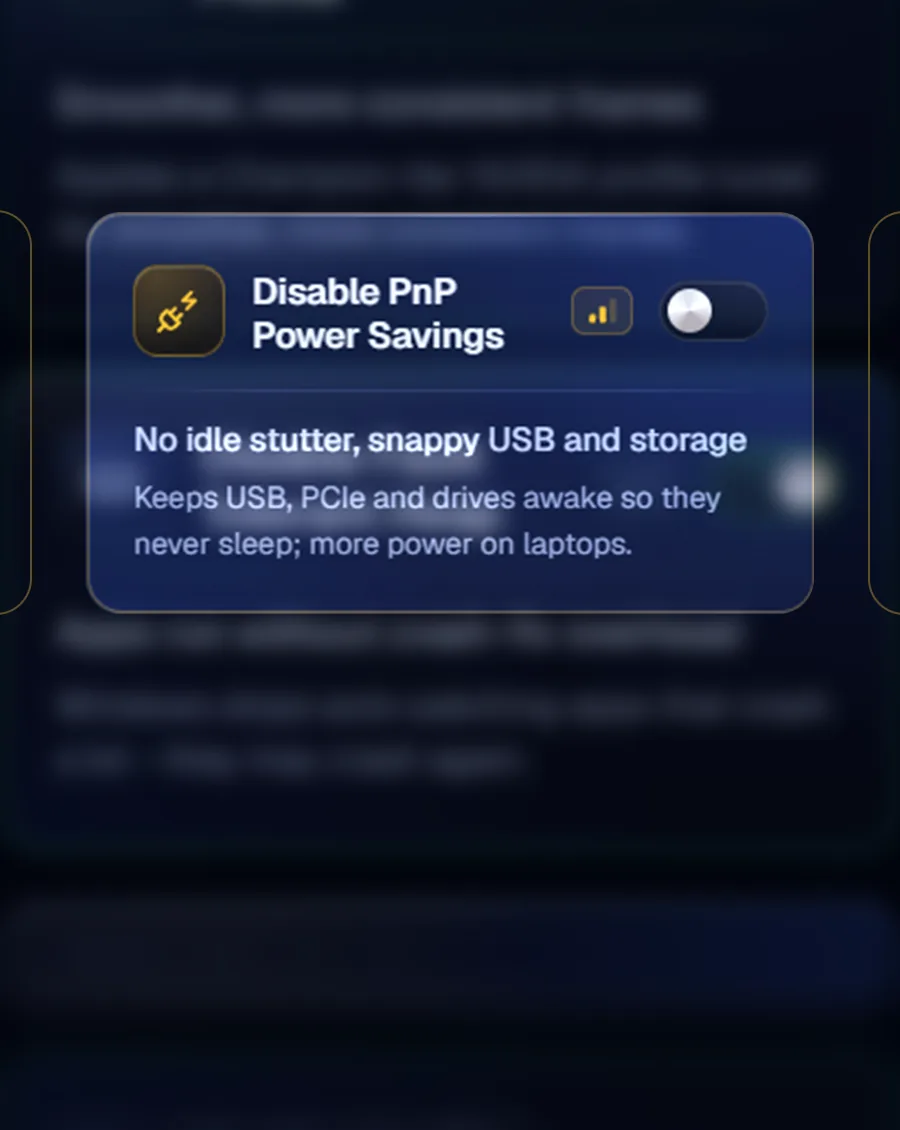
Windows Optimization
Switch off forced updates, device power saving and the security layers that quietly cost you frames.
 Prospira Tweaks
Launches 1 December 2026
Prospira gives you over 250 Windows 11 tweaks, each explained before it runs and reversible after. Not out yet, so the list gets the download link first.

Straight out of the build. No renders, no cropping.

Every tweak is one card with one switch. Turn it on, turn it off.

Save a restore point, then change what you like. Put Windows back whenever.
Six modules, and what each one actually touches.
Switch off forced updates, device power saving and the security layers that quietly cost you frames.

Give your game first claim on the CPU and stop your hardware dozing off mid-match.
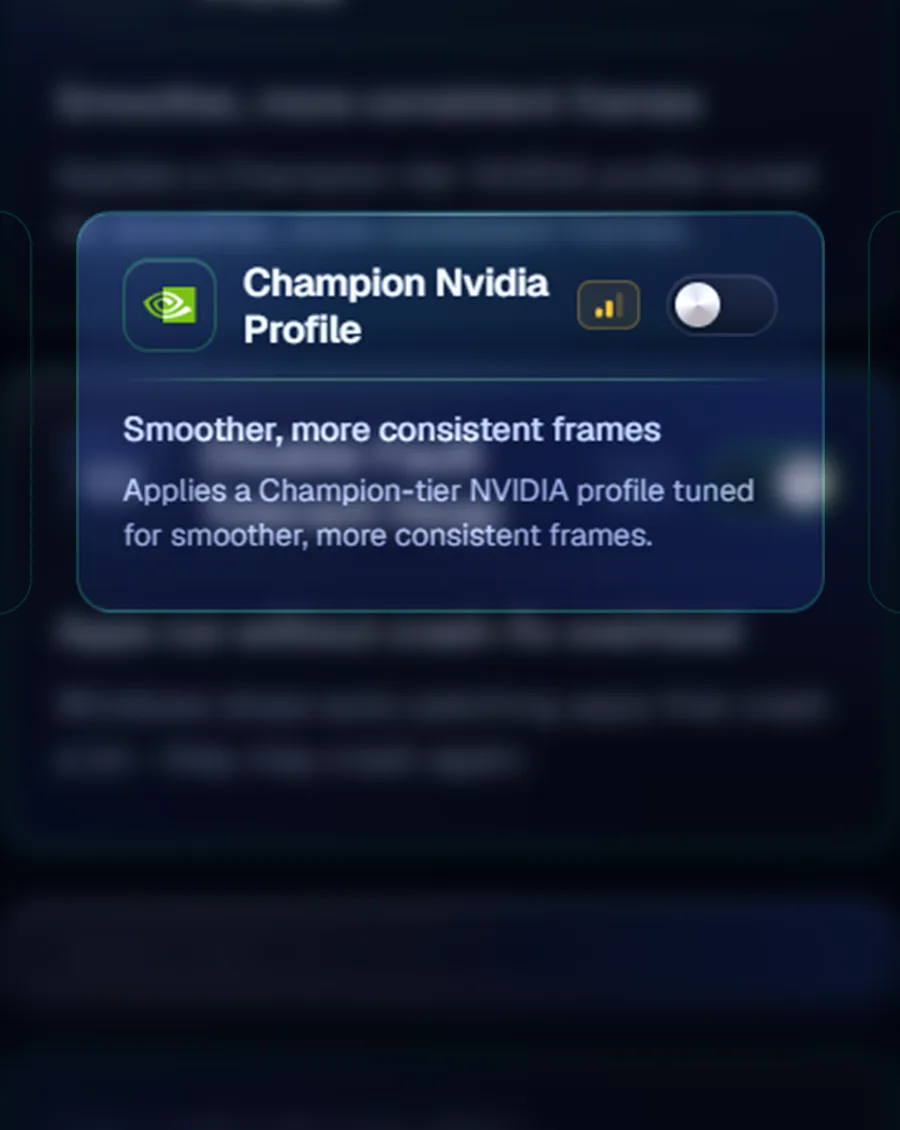
Stop the card dropping its clocks mid-game, and cut the telemetry it sends home.
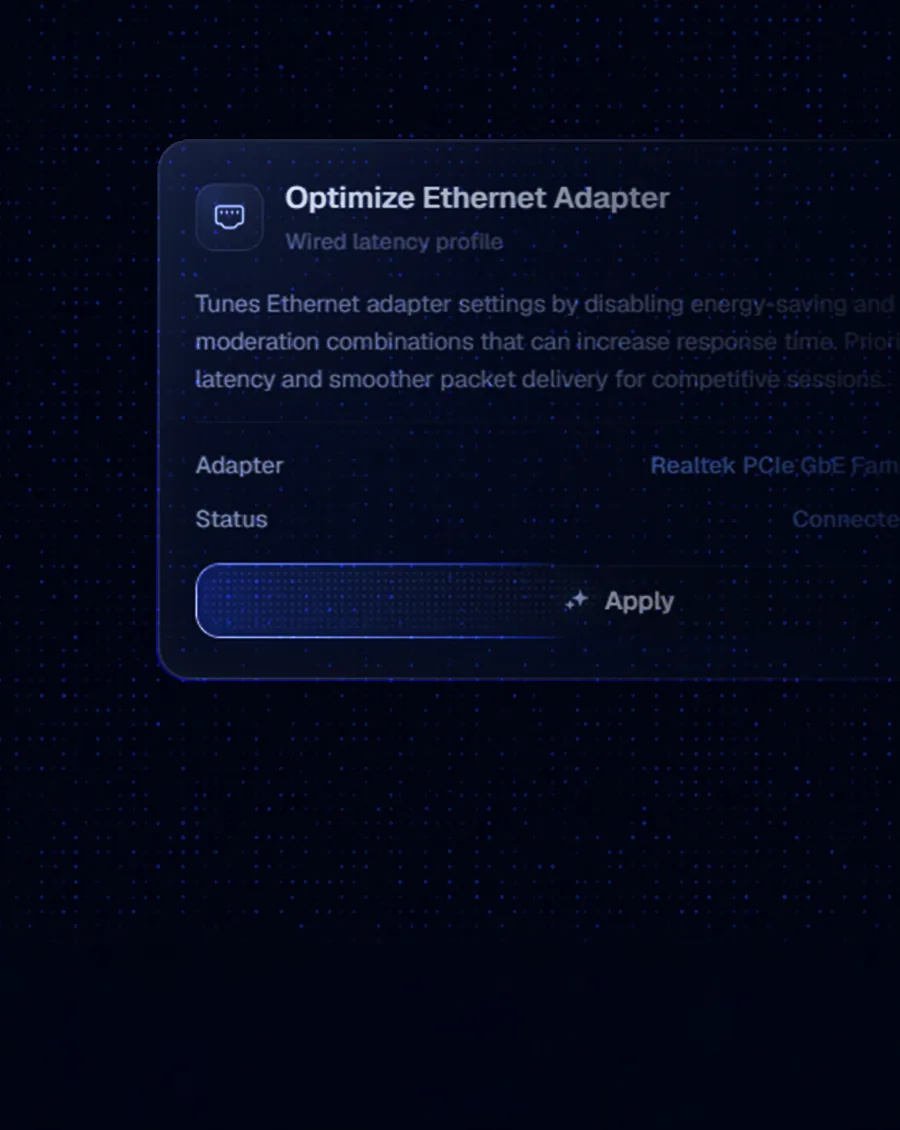
Tighten the network card and strip the protocols nothing uses, for a ping that holds steady.
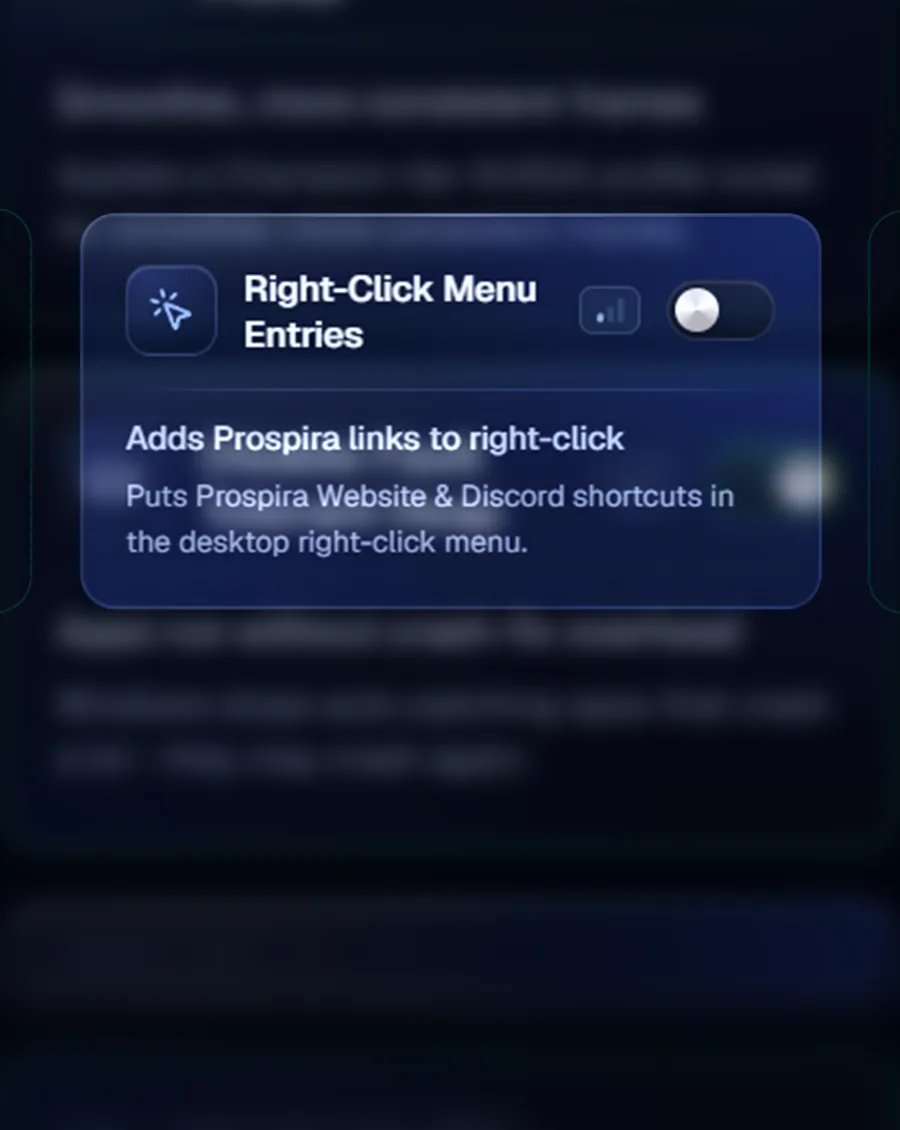
Rename the boot entry, the About page and your drive. Looks only, nothing here touches speed.
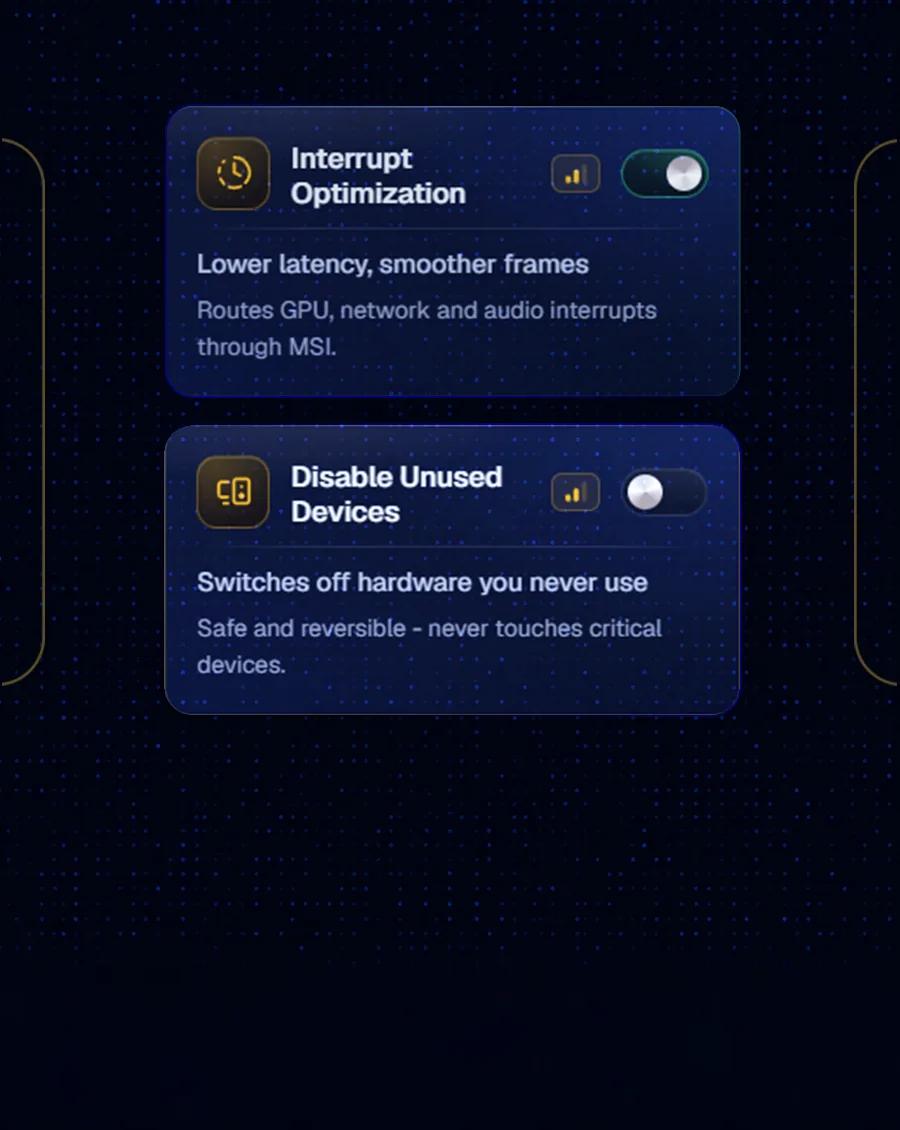
Move device interrupts onto the faster path and switch off hardware you never use.
All six are Champion. Entry does not include them.
Six straight answers.
Because a lot of what circulates for free stopped working years ago. Tweaks get copied from post to post since Windows 7, and plenty of them write to registry keys Windows 11 no longer reads. The file runs, reports success, and changes nothing.
Every tweak here is checked against the current Windows build before it ships, and checked again when a feature update changes what a setting does. And when one turns out to be the wrong one for your machine, a Discord ticket puts a person on the other end, seven days a week.
WinUtil gives you the toggles but keeps no record, so two weeks later you still cannot tell which one broke your game. AtlasOS is a modified Windows image: undoing it means reinstalling the system, and until then you are on a build Microsoft never shipped.
Live CPU and GPU temps show the effect on your own machine. The paid plan reaches what a script cannot: BIOS settings on supported boards.
And if you would rather not touch any of it yourself, the same people will do it remotely while you watch. See how a session works.
It can. Defender sometimes flags apps that edit the Windows registry and services. That is a guess about behaviour, not a real threat.
We would rather tell you now than have it surprise you halfway through the install.
Flip the same switch back. Every tweak reverses, so nothing you turn on is permanent.
You can also save a restore point before you start, which undoes everything at once.
Yes. You sign in with Discord on every plan, the free one included. No separate password.
A card is a different matter. Entry never asks for one. That only comes up on the paid plan.
No. Every licence covers one PC and one Windows install, on every plan, free one included.
Changing computer is not buying again. Release the old PC from your account page, pay the release fee, and the next machine you sign in on takes the slot.
The app touches no game, game file or game process. It changes Windows settings you could change yourself: the registry, services and BIOS.
We will not promise you a guarantee: no anticheat vendor certifies third-party tools. We can tell you exactly what gets changed: see what is inside Advanced.
Entry is free forever and covers everyday use. You pay only for the deep end: BIOS, the Advanced suite and NVIDIA GPU tuning.
For trying it on your own machine.
For going deeper than a script can.
The price you see is the price you pay. Nothing is added at checkout.
| Feature | Entry | Champion | |
|---|---|---|---|
| over 250 one-click tweaks | Included | Included | |
| Every tweak reverses | Included | Included | |
| Restore points | Included | Included | |
| Live CPU, GPU and RAM readings | Included | Included | |
| Advanced: Hardware, GPU | Not included | Included | |
| Advanced: Network, System | Not included | Included | |
| Advanced: Performance | Not included | Included | |
| BIOS: 534 catalogued settings, 297 tested | Not included | Included | |
| NVIDIA tuning, setting by setting | Not included | Included | |
| A profile for each game | Included | Included | |
| 14-day refund | Nothing to refund, Entry is free | Included |
Not out yet. Version, size and checksum land here on release day.
Every reversible tweak and live hardware readings. You turn Champion on from inside the app.